How to Set Up an AI Receptionist for Your Business
What an AI Receptionist Actually Does
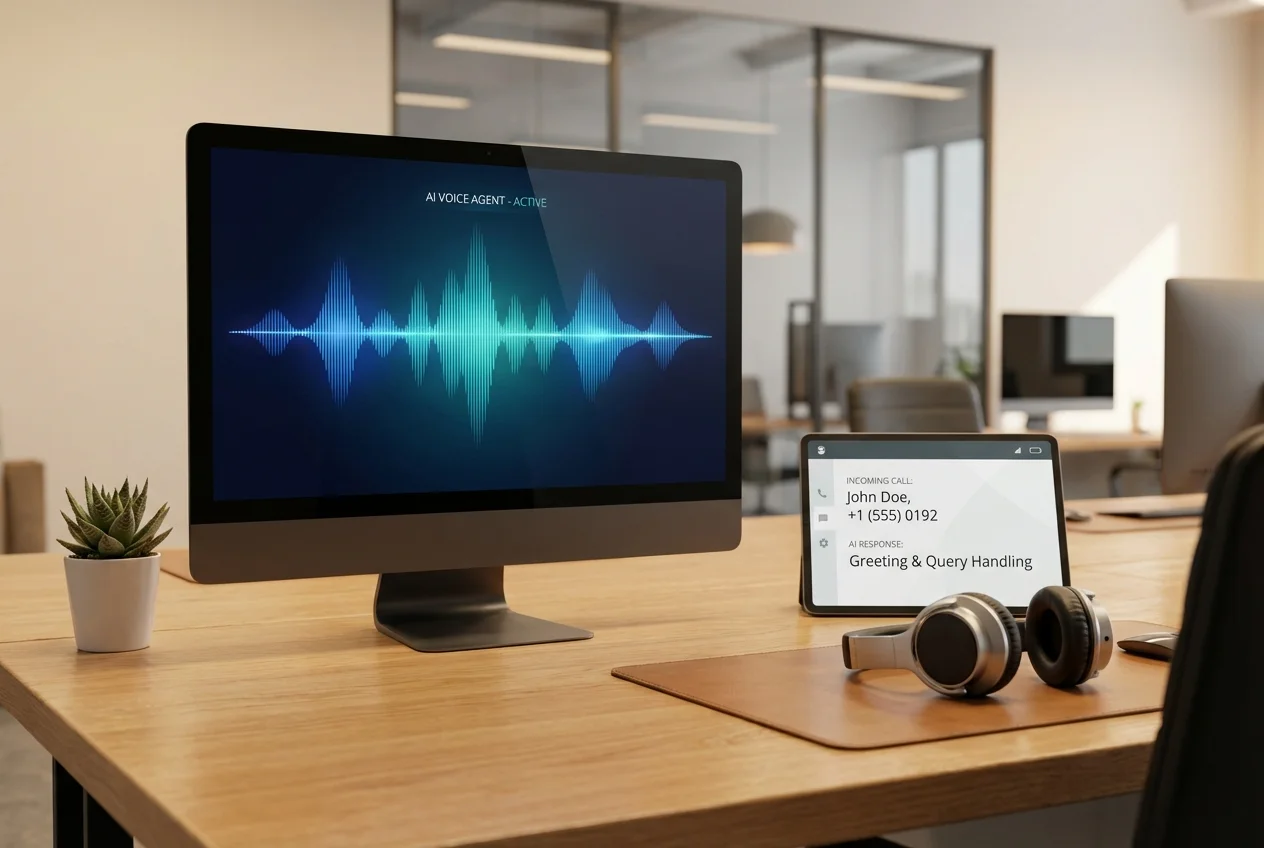
An AI receptionist is a voice agent deployed on your business phone line that handles inbound calls the way a skilled human receptionist would — answering immediately, understanding what the caller needs, dealing with routine requests directly, and routing to the right person when necessary.
The key difference from a traditional phone menu is that callers don't press buttons — they speak naturally, and the agent understands them. "I'd like to book an appointment for Thursday" works just as well as "Can you check if Dr. Singh has anything available this week?" The agent handles both.
Step 1: Define Your Use Cases
The most common mistake when deploying an AI receptionist is trying to make it do everything at once. Start by listing the five to ten most common reasons people call your business. For most businesses, 60–70% of inbound calls are about a small number of recurring query types.
Common use cases by industry:
- Healthcare: Appointment booking, appointment reminders, prescription enquiry routing, results query routing
- Professional services: New client enquiry handling, appointment booking, document request acknowledgement
- Home services: Job enquiry capture, booking, scheduling, quote request routing
- Retail: Order status, returns, product questions, store information
- B2B: Sales enquiry capture, meeting booking, existing client routing
Pick your top three use cases for the initial deployment. Get those working well before expanding.
Step 2: Map the Conversation Flows
For each use case, map the ideal conversation from first ring to resolution. What information does the agent need to collect? What does it need to look up? What's the outcome (appointment booked, query answered, call transferred)?
A basic appointment booking flow might look like:
- Greet caller, confirm business name
- Understand what they're calling about (booking, rescheduling, cancellation, or other)
- For bookings: collect name, reason for appointment, preferred date/time
- Check availability in real time against calendar system
- Offer available slots and confirm booking
- Confirm contact details for reminder
- Send confirmation by SMS or email
Map the exceptions too: what if the caller's preferred time isn't available? What if they want to speak to a specific person? What if they want to discuss something outside the agent's scope?
Step 3: Choose Your Technology Stack
The technology landscape for voice AI includes several layers:
Telephony Layer
Your phone number and call routing infrastructure. Options include Twilio, Vonage, Bandwidth, and others. If you have an existing phone system, we'll assess whether calls can be forwarded to the AI agent or whether a more integrated approach is needed.
Speech Recognition (STR)
Converts the caller's speech to text. Deepgram currently leads on accuracy, latency, and accent handling for most use cases. Google and Azure Speech offer good alternatives, particularly for non-English languages.
Language Model
The intelligence layer that understands the transcript and decides how to respond. GPT-4o currently offers the best combination of capability and latency for real-time voice applications. Claude and Gemini are strong alternatives depending on the use case.
Text-to-Speech (TTS)
Converts the agent's response back to speech. ElevenLabs currently produces the most natural output. OpenAI TTS is a strong alternative with lower latency. The voice should be configured to match your brand — appropriate accent, gender, and formality level.
Orchestration Layer
Platforms like Vapi, Bland AI, or Retell AI handle the orchestration between these components, significantly reducing development complexity for standard use cases. For more complex or custom requirements, we build directly against the component APIs.
Step 4: Build Your Knowledge Base
Your AI receptionist is only as good as the information it has access to. Before the build, gather:
- Your most frequently asked questions and their answers
- Your services, pricing (if public), and key differentiators
- Your team members and their roles (so calls can be routed correctly)
- Your policies (opening hours, cancellation policy, payment terms)
- Any information you currently provide in your voicemail or website FAQ
Write this in clear, natural language — the agent will use it to formulate responses and it should sound like something a real receptionist would say, not corporate copy-paste from your website.
Step 5: Integrate with Your Business Systems
The most useful AI receptionists are connected to your live business systems. For appointment booking, this means real-time integration with your calendar or practice management system. For order enquiries, it means API access to your order management system. For customer support, it means CRM access to pull up account details.
These integrations are what differentiate a useful AI receptionist from a glorified FAQ bot. Without them, the agent can only answer from its knowledge base — with them, it can actually do things on behalf of the caller.
Step 6: Test Extensively Before Going Live
Before your AI receptionist takes a single real call, test it extensively. This means:
- Running through every expected conversation flow yourself
- Testing with edge cases and unusual phrasings
- Testing with different accents and speaking speeds
- Testing interruptions, corrections, and requests to repeat things
- Testing error conditions — what happens when the calendar integration is unavailable?
- Testing the escalation and transfer process to ensure it works seamlessly
Have people who weren't involved in the build test it too. Fresh ears catch things that build familiarity hides.
Step 7: Monitor and Improve
A voice agent deployed without ongoing monitoring is a voice agent that gets worse over time as your business changes and new call types emerge. Establish a monthly review process to:
- Review call transcripts — especially calls that escalated or ended poorly
- Track containment rate, task completion rate, and CSAT
- Update the knowledge base with new information
- Add new conversation flows as new use cases emerge
- Refine the voice and phrasing based on real caller feedback
The best AI receptionists are continuously improved based on real call data. Treat your first deployment as a strong starting point, not a finished product.
 AI Voice Agents for Inbound Calls
 AI Voice Agents for Outbound Sales
 Customer Support Automation